
Master AB Testing for Small Businesses: Step-by-Step Guide
Did you know that over 70 percent of marketing teams run regular A/B tests to sharpen their strategies? When every click counts, simply guessing what works leaves results to chance. Setting clear goals and tracking the right metrics from the start can turn scattered experiments into growth engines. Learn how to use a systematic approach so your A/B testing efforts bring you actionable results, not just data for the sake of data.
Table of Contents
- Step 1: Define Key Goals And Performance Metrics
- Step 2: Set Up AB Test Using A Visual Editor
- Step 3: Personalize Landing Pages With Dynamic Content
- Step 4: Launch Experiment And Monitor Real-Time Analytics
- Step 5: Analyze Results And Optimize Campaigns
Quick Summary
| Key Point | Explanation |
|---|---|
| 1. Define clear goals and metrics | Establish specific objectives and KPIs to measure success effectively in A/B testing. |
| 2. Utilize visual editors for setup | Use user-friendly visual tools to quickly create and modify A/B test variations without coding skills. |
| 3. Personalize landing pages appropriately | Tailor content based on visitor data to enhance user experience while maintaining subtlety in personalization. |
| 4. Monitor metrics in real-time | Track performance continuously to identify trends and significant changes, ensuring adequate data collection for analysis. |
| 5. Analyze results for actionable insights | Carefully compare metrics between variations to determine effective changes and inform future optimizations. |
Step 1: Define key goals and performance metrics
Successfully conducting A/B tests starts with pinpointing exactly what you want to improve and how you will measure that improvement. According to research from arXiv, effective A/B testing requires setting clear objectives and selecting appropriate performance metrics that align with your broader business goals.
When defining your goals, focus on specific areas where you want to drive meaningful change. Some common objectives include increasing user engagement, boosting conversion rates, or improving customer satisfaction. As research indicates, key performance indicators (KPIs) might involve metrics like click-through rates, time spent on site, bounce rates, or revenue per visitor. International Journal of Scientific Research emphasizes the importance of establishing these KPIs in advance to help you assess the true impact of any changes.
To get started, ask yourself critical questions: What specific metric would most impact your business right now? Are you looking to increase sales, reduce customer drop-off, or improve user experience? By connecting your A/B test goals directly to tangible business outcomes, you set yourself up for meaningful insights that can drive real growth. The key is being precise about what success looks like before you begin testing.
Pro Tip: Always choose metrics that are both measurable and meaningful. A vanity metric that looks good on paper but doesn't connect to real business value won't help you improve.
Once you have your goals and metrics defined, you're ready to move on to designing your actual A/B test experiment.
Step 2: Set up AB test using a visual editor
Now that you have defined your goals, it is time to actually set up your A/B test using a visual editor. As research from Software Testing Help indicates, visual editors allow marketers to create and modify test variations without requiring complex coding skills. This means you can implement changes directly on your web pages quickly and efficiently.
To get started, log into your A/B testing platform and locate the visual editor tool. Most platforms will provide an intuitive interface where you can click and modify elements on your webpage. Crazy Egg emphasizes that visual editors are particularly beneficial for small businesses without extensive technical resources, as they streamline the testing process and eliminate the need for developer intervention.
Begin by selecting the specific page you want to test. Then use the visual editor to make your desired changes. This might involve adjusting headline text, changing button colors, rearranging layout elements, or modifying image placements. Ensure that your variations are distinct enough to potentially impact user behavior, but not so dramatically that they create a completely different user experience.
Pro Tip: Always create a control version (original page) and one or two alternative versions. Make sure to test only one element at a time to understand exactly what drives any performance changes.

Once you have set up your variations, you are ready to configure your test parameters and launch your experiment.
Step 3: Personalize landing pages with dynamic content
Personalizing your landing pages with dynamic content is a powerful strategy to boost user engagement and conversion rates. According to research from Wrapifai, this approach involves tailoring the user experience based on individual visitor data, which can significantly improve how users interact with your website.
To implement dynamic content, start by identifying key user segments and gathering relevant data points such as location, browsing history, or previous interactions with your site. AWA Digital suggests using data-driven insights to adjust content that matches user preferences. This might mean changing headline text, showcasing different product recommendations, or displaying location specific imagery depending on the visitor.
The most effective dynamic content feels natural and provides genuine value to the user. Consider elements like personalized welcome messages, region specific pricing, or recommended products based on past browsing behavior. By making each visitor feel like the page was created specifically for them, you increase the likelihood of conversion and engagement.
Pro Tip: While personalizing content, ensure you maintain a balance.
Too much personalization can feel intrusive, so focus on subtle, helpful modifications that genuinely improve user experience.
With your personalized landing page variations ready, you are now prepared to set up your A/B test and gather meaningful insights.
Step 4: Launch experiment and monitor real-time analytics
With your A/B test variations prepared, it is time to launch your experiment and begin tracking performance. According to research from arXiv, launching an A/B test requires deploying the experiment to a live environment while continuously monitoring performance metrics. Real-time analytics become crucial for tracking user interactions and identifying trends as they occur.
arXiv emphasizes that monitoring real-time analytics provides immediate feedback on user behavior and test performance. Navigate to your analytics dashboard and pay close attention to key metrics like conversion rates, bounce rates, time on page, and user engagement. Look for statistically significant differences between your control and variant pages. Some platforms will automatically highlight which variation is performing better, but always ensure you have collected enough data to make a reliable conclusion.
During the experiment, resist the temptation to make manual adjustments or stop the test prematurely. Allow sufficient time and traffic to pass through your variations to obtain meaningful results. Most A/B testing experts recommend running tests for at least one complete business cycle a minimum of 7 to 14 days to account for potential variations in user behavior.
Pro Tip: Set up alerts in your analytics platform to notify you of any significant performance shifts or anomalies that might require immediate attention.
Once you have collected sufficient data, you will be ready to analyze your results and draw actionable insights for your marketing strategy.
Step 5: Analyze results and optimize campaigns
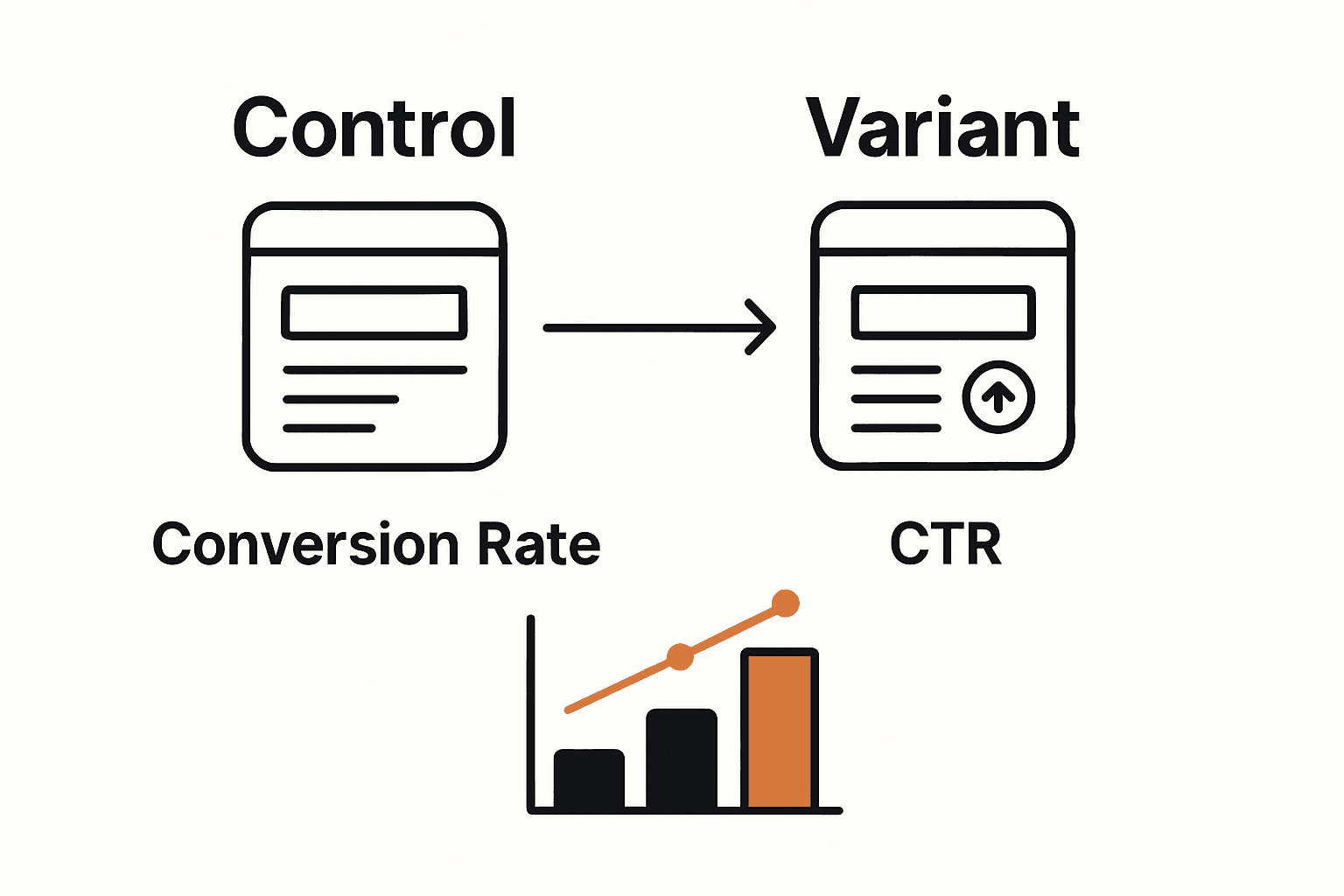
After running your A/B test, it is time to dive deep into result analysis. According to research from arXiv, analyzing A/B test results involves carefully comparing performance metrics between variations to determine the most effective option. Critical to this process is understanding statistical significance to ensure that observed differences are not merely random occurrences.
arXiv emphasizes that optimizing campaigns requires a thorough understanding of collected data. Start by examining key performance indicators such as conversion rates, click-through rates, and user engagement. Look for statistically significant variations between your test versions. Pay special attention to which version performed better and by what margin. Consider not just the winning variation, but the underlying reasons for its success.
When interpreting results, context is crucial. A variation might show improvement in one metric but potentially negative impacts in another. For instance, a design change that increases clicks might simultaneously reduce average time on page. Evaluate the holistic performance and consider how each variation impacts your broader business objectives.
Pro Tip: Always validate your results with a statistical significance calculator to ensure your findings are not just coincidental. Most A/B testing platforms offer built-in significance testing, but double-checking provides an extra layer of confidence.
With your insights gathered, you are now prepared to implement meaningful improvements and plan your next round of optimization strategies.
Take Your A/B Testing to the Next Level with Stellar
Small businesses face real challenges when mastering A/B testing. Pinpointing clear goals, setting up tests without coding headaches, and interpreting complex data can feel overwhelming. This guide highlights key pain points like choosing the right performance metrics, using visual editors, personalizing landing pages, and analyzing results effectively. If you want to remove guesswork and gain confidence with every test, you need a solution built just for marketers and growth hackers like you.
Stellar is designed to solve these exact challenges. With its lightning-fast, lightweight script and user-friendly visual editor, you can launch A/B tests quickly without technical roadblocks. Personalize landing pages dynamically with precision using advanced goal tracking that ties directly to your business objectives. Plus, stay informed with real-time analytics that make interpreting results clear and actionable.

Ready to simplify your A/B testing process and start making data-driven decisions with ease Look no further than Stellar. Explore how our platform empowers small businesses by blending simplicity with powerful features. Take control of your growth today by visiting our landing page and discover plans that scale with your traffic needs.
Frequently Asked Questions
What are the key goals I should define for my A/B testing?
Start by identifying specific objectives that align with your business needs, such as increasing conversion rates or improving user engagement. Consider focusing on measurable metrics like click-through rates or bounce rates to better assess progress.
How do I set up an A/B test using a visual editor?
To set up your A/B test, log into your testing platform and locate the visual editor tool. Click and modify elements on your webpage, such as headlines or button colors, to create different variations for testing.
What should I include in my dynamic content for personalized landing pages?
Incorporate user data such as location or browsing history to create tailored content that resonates with individual visitors. Aim to adjust elements like welcome messages or product recommendations to make users feel uniquely engaged with your landing page.
How long should I run my A/B test before evaluating the results?
It's recommended to run your A/B test for at least 7 to 14 days to collect enough data and account for natural variations in user behavior. Monitor real-time analytics during this period to gauge performance trends effectively.
How do I determine if the results of my A/B test are statistically significant?
To assess statistical significance, compare performance metrics between your variations and use a significance calculator or built-in testing features. Ensure the differences observed are reliable and not just random fluctuations in data.
What steps should I take after analyzing my A/B test results?
After analyzing results, implement improvements based on the insights gathered, focusing on the winning variation and its underlying strengths. Plan your next optimization strategy while considering the broader impact on your business objectives.
Recommended
Published: 11/1/2025