
Google Ads Testing: How to Run Experiments That Pay Off
To test Google Ads (the platform formerly called AdWords), use the Experiments page inside your account. It runs a changed copy of your campaign next to the original, gives the test a share of the budget, and compares the two on a metric you choose. Change one thing, let it run at least four to six weeks, and judge it on a single success metric. The ad is only half of the click, though. What happens after it, on your landing page, needs its own test.
This guide covers both halves: how to run a clean test inside Google Ads, how to read the results without fooling yourself, and how to test the page your ads send people to.
TL;DR
- Use the Experiments page in Google Ads to compare a changed campaign against the original, with a share of budget assigned to the test.
- Write a hypothesis, change one variable, and pick one or two success metrics before you start.
- Plan for at least 4 to 6 weeks, longer if your conversions arrive slowly, and avoid running several experiments at once.
- Apply the winner to the original campaign, or convert the experiment to a new campaign if you tested a new structure.
- Google tests the ad side. Test the landing page separately with an on-page A/B testing tool.
Table of Contents
- What "Google Ads testing" means today
- What you can test
- How to set up a custom experiment
- Budget, traffic and duration
- Reading the results without fooling yourself
- Mistakes that ruin a Google Ads test
- Applying a winner
- The other half: testing where the click lands
- Test your landing pages with Stellar
- FAQ
- Sources
What "Google Ads testing" means today
Many marketers still search for "AdWords tests", but the testing tools now live under the Google Ads name. The old drafts and experiments feature became the Experiments page, and Google has since grouped Experiments and Lift Studies into one dashboard, the Experiment Center.
The idea has not changed. You make a copy of a campaign, change one thing in the copy, and let both run at the same time. Because they run alongside each other, with only part of the budget going to the test, your original campaign's performance is not disturbed while you learn.
That beats the old habit of changing a campaign on Monday and comparing it with last month. Seasonality, competitor moves and budget shifts all muddy a before-and-after comparison. A side-by-side test removes most of that noise.
What you can test
Google offers several experiment types, and the right one depends on the campaign you run:
- AI Max experiments: a one-click test for Search campaigns that checks AI features such as search term matching and asset optimization.
- Custom experiments: the flexible option. You pick the variable, such as bidding strategy, keywords, match types, ad copy or audience settings, and compare against the original.
- Campaign-type experiments: Performance Max, Demand Gen, video and app experiments each have their own setup, since each campaign type exposes different levers.
- API workflows: if you manage accounts at scale, the Google Ads API supports system-managed, intra-campaign, asset optimization and campaign mix workflows.
For most small and mid-sized accounts, a custom experiment on a Search campaign is the place to start. Typical first tests: a different bidding strategy, a new set of responsive search ad assets, or a broader match type paired with tighter negatives.
Pick tests that can move the business
A test that changes a headline's punctuation will rarely give a readable result. Google's own guidance says inconclusive results can mean the creative variation was not substantial enough. Test a different value proposition, offer or audience angle instead of a cosmetic tweak.
A useful ranking for first tests:
- Bidding strategy (for example, manual versus a target-based strategy).
- Offer or message in ad assets (price-led versus benefit-led).
- Audience or targeting changes.
- Landing page destination (see the landing page section below).
- Small copy edits, only after the bigger levers are tuned.
How to set up a custom experiment
The steps below follow Google's custom experiment instructions. Menus shift from time to time, so use the labels as a guide.
- Write the hypothesis first. Google recommends tying it to a business goal. Example: "Switching this campaign to a conversion-value bidding strategy will raise conversion value per dollar spent."
- Open Experiments. In the Campaigns menu, choose Experiments, select the plus button, then Custom.
- Choose the experiment type and the variable. One variable only.
- Select the campaign or campaigns to test.
- Set the success metric. Choose one or two before launch. Deciding afterward invites cherry-picking.
- Set the split and schedule. You choose the share of the original campaign's budget that goes to the experiment. Search experiments can use a cookie-based or a search-based split.
- Launch and leave it alone.
Cookie-based or search-based split?
A search-based split divides individual searches between the original and the experiment, so one person may see both versions. A cookie-based split assigns a user to one side, so each person gets a consistent experience. If you use audience lists with a cookie-based split, Google advises at least 10,000 users in the list; fewer may make results less accurate.
A 50/50 budget split gives the cleanest comparison and the fastest read, because both arms collect data at the same pace. A smaller test share lowers risk but takes longer to reach a conclusion.
Budget, traffic and duration
The most common reason a test fails is not the idea. It is that it ended too early or never had enough conversions.
Duration. Google recommends running experiments for at least 4 to 6 weeks, longer if your conversion delay is long, and waiting one to two conversion cycles. If your customers take three weeks from click to purchase, a two-week test measures almost nothing.
Bid strategy tests are stricter. Google says to exclude the first two weeks or three conversion cycles, whichever is longer, while the system learns, then run the test uninterrupted for at least 30 days.
Conversion volume. Aim for campaigns and experiment splits that would produce at least 30 conversions in the last 30 days. Demand Gen experiments using conversion-based bidding need at least 50 conversions per arm before results surface.
Daily spend. Experiment campaigns can spend up to twice the daily budget on a given day, but not more than 30.4 times the daily budget over the month. A day that looks like an overspend is normal as long as the monthly total holds.

A quick sanity check
Suppose a campaign spends $50 a day and your cost per conversion is $25. That is about two conversions a day, or 60 a month. Split 50/50, each arm gets about 30. That is right at Google's guideline, so the test is feasible, but only for a large difference. If the campaign produced 10 conversions a month, test something else, or test a bigger change, or fold ad groups together so the test has enough data.

For slow-moving, low-volume campaigns, one agency's advice is to leave the end date open so the test can run as long as it needs. That is a reasonable approach as long as you set a review date yourself.
Reading the results without fooling yourself
The experiment report has a confidence-level dropdown, a top card and a reporting table. The top card tells you whether there is a significant difference at the chosen confidence level, and the default level is 70%. That default is a reasonable threshold for a business decision on a modest change, but if the change is expensive or hard to reverse, raise the level before you act.
Three habits keep the reading honest:
- Respect conversion delay. When evaluating, exclude recent days where less than 90% of conversions have been reported.
- Judge on the metric you chose. If you picked conversion value per cost, do not declare victory because click-through rate went up.
- Treat "no difference" as a result. It tells you the lever is not worth more effort, which saves you the next six weeks.
If the result is inconclusive, the cause is usually too little data, too small a change, or both. For ideas on what bigger changes to try next, these conversion rate optimization tips cover how to prioritize what you test and interpret flat outcomes.
Mistakes that ruin a Google Ads test
Testing several things at once. Test one variable at a time. If you change the bid strategy and the ad copy together, you will never know which one moved the numbers.
Running overlapping experiments. Google advises against running several experiments at once or pausing campaigns often: experiments can interfere with each other, and pausing can disrupt machine learning.
Calling it early. A great-looking first week is often noise. Hold to the minimum duration you set at the start.
Skipping the hypothesis. Without one, every outcome looks like a win to someone.
Not acting on the result. Google calls updating your tactics based on what you learned the most critical step. Put the decision and the date in your campaign notes.
Applying a winner
When the experiment wins, you have two options, both described in Google's Experiments guidance. Apply the experiment's changes to the original campaign, which keeps the campaign's history and learning. Or convert the experiment into a new campaign, which suits tests of a new structure.
After applying, give the campaign a week or two to settle before you queue the next test. Then run the next hypothesis, one at a time. A steady cadence of one clean test per campaign per quarter will beat a burst of sloppy ones.
The other half: testing where the click lands
Google Ads experiments compare campaign settings and ad assets. They do not rewrite your landing page, split your page layout, or show different headlines to visitors based on the keyword they searched. Yet a better ad that sends traffic to a weak page just buys more visitors who leave.
That is the job for a page-level A/B test: two versions of a headline, form, hero image or offer, with visitors split between them and conversions tracked as goals. If you want a process, our guides on A/B testing for landing pages and Google A/B testing for marketers walk through it, and this set of landing page test ideas gives you starting points.
A sensible sequence for paid traffic:
- Fix the ad-to-page match first. The headline on the page should echo the promise in the ad.
- Run the Google Ads experiment on bidding or assets.
- In parallel, but on a different layer, test the landing page. Keep ad experiments and page experiments from changing the same campaign segment at the same moment if you can, so you can tell which change moved results.
- Check whether you have enough traffic to detect a difference. Our piece on when small businesses should start A/B testing discusses conversion thresholds.
Traffic you pay for is the best traffic to test on, since you control volume and source. See also our guide to ads test pages for how to build pages specifically for paid campaigns, and our list of A/B testing best practices for the habits that keep tests valid.
Our perspective
We build an A/B testing tool, so we see the same pattern in many teams: they get serious about their ad tests and leave the page as an afterthought. The ad platform will tell you which ad earned the click. It will not tell you why the visitor left.
We think the page deserves the same discipline as the campaign: a hypothesis, one change, a clear goal, and enough time. That is why Stellar is built around a no-code visual editor, goal tracking and real-time analytics, so a marketer can launch a page test without waiting on a developer. Speed matters too. Our script is only 5.4KB, because a testing tool that slows the page works against the very conversions you are trying to lift.
Dynamic keyword insertion is the bridge between the two worlds. When the headline on the page echoes the search that brought the visitor, the ad's promise carries through. Test that, measure it, and keep what wins.
Juan
Test your landing pages with Stellar
Once your Google Ads experiment is running, put the same rigor on the page behind it. Stellar is an A/B testing platform for marketers and growth teams: a no-code visual editor, dynamic keyword insertion for personalized landing pages, advanced goal tracking and real-time analytics, with integrations for WordPress, Shopify, Webflow, Wix, Squarespace, Framer and Bubble.
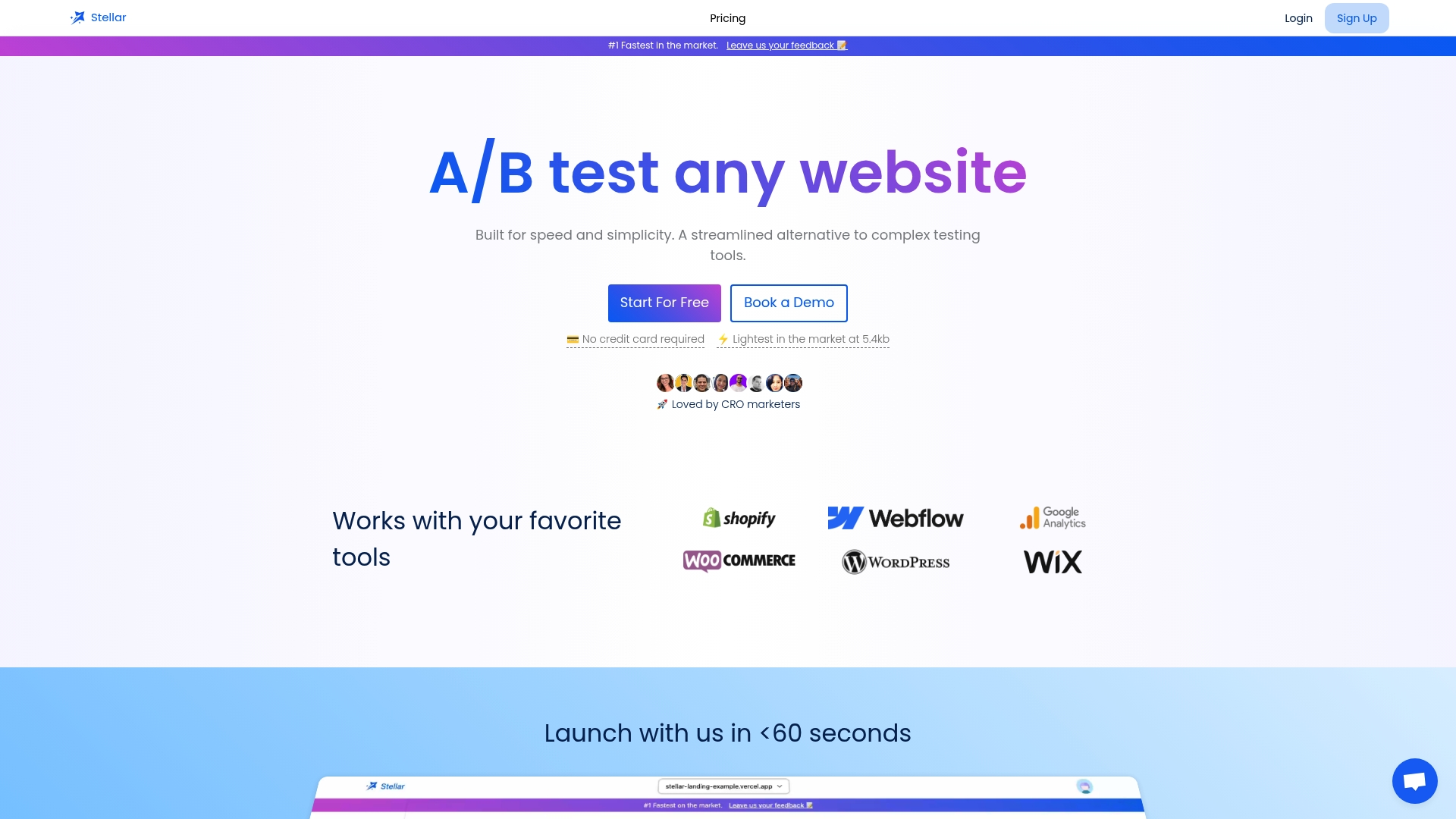
Pricing is based on monthly tracked users. The Sandbox plan is $0 per month, Plus is $29 per month, Pro is $99 per month, and Scale is $399 per month. Enterprise pricing is not published. See the Stellar plans and start with the free tier to run your first landing page test alongside your ad experiment.
FAQ
How do I test Google Ads?
Open Experiments in the Campaigns menu, select the plus button, choose Custom, and pick the variable, campaigns, success metric and schedule. Change one variable only. Then let the test run alongside your original campaign for at least 4 to 6 weeks before you judge it.
Is $10 a day enough for a Google Ads test?
It depends on your cost per conversion, not the budget alone. Google's guideline is at least 30 conversions in the last 30 days for the campaign or split. At $10 a day you spend about $300 a month, so you would need a cost per conversion near $10 or less, before splitting it between two arms. With a higher cost per conversion, test a bigger change on fewer campaigns, or raise the budget.
How long should a Google Ads experiment run?
At least four to six weeks, longer if customers take a while to convert. Bid strategy tests need a longer window: skip the first two weeks or three conversion cycles, then run at least 30 uninterrupted days, per Google's guidance.
Can I A/B test my landing page with Google Ads Experiments?
Not the page itself. Experiments compare campaign settings and ad assets. To compare two versions of a headline, layout or offer on the page, use an on-page A/B testing tool and track conversions as goals. Run it alongside your ad experiment and watch that the two tests are not stacked on the same traffic at once.
Sources
- Test Campaigns with Ease with Ads Experiments - Google Ads
- Set up a custom experiment - Google Ads Help
- About the Experiments page - Google Ads Help
- About the Google Ads Experiment Center - Google Ads Help
- Experiments overview - Google Ads API
- Test with confidence with the Experiments page - Google Ads Help
- Experiments FAQs - Google Ads Help
- Test your bid strategy - Google Ads Help
- Create A/B experiments for Demand Gen campaigns - Google Ads Help
- How to Use Google Ads Campaign Experiments - Seer Interactive
- Conversion rate optimization tips: the digital marketer's guide